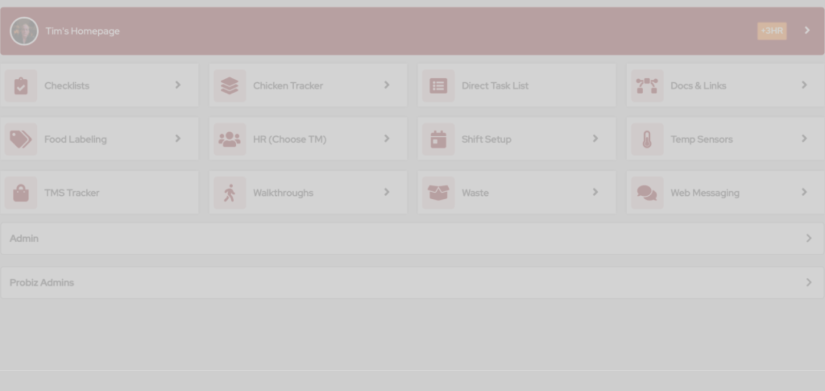
Our Modules
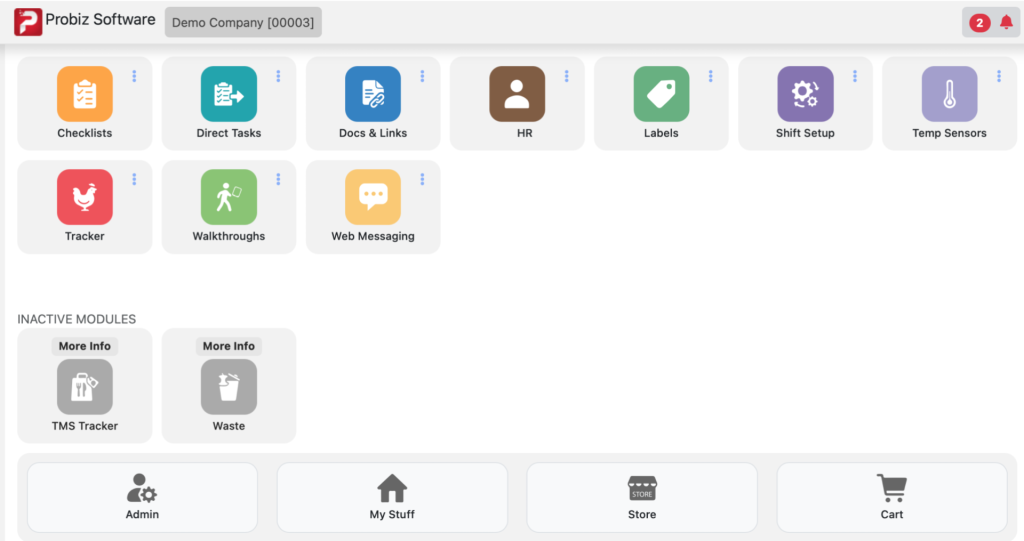
Below is a summary for each Probiz Module. Each Module is color coded so you always know which module you are in.
The App Menu is where you access the modules and where all module settings exist.
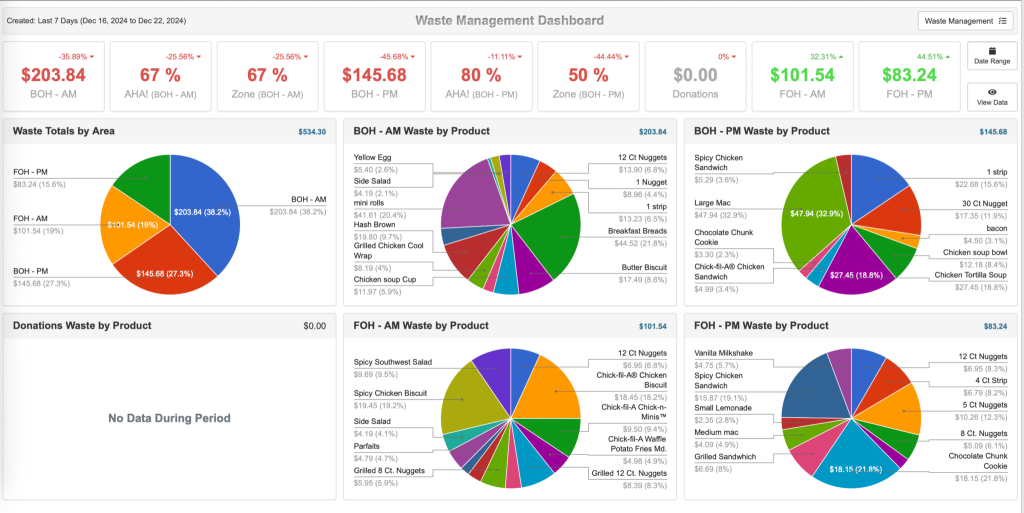
All Moduleshave a Dashboards that records the performance of your Team for that particular module. This Data is also included in our AI summaries.
The Checklist Module ensures accountability by assigning tasks specific to store areas.
How it works: Tasks are displayed on an iPad, where team members complete them. A performance dashboard provides an overview for coaching and teaching.

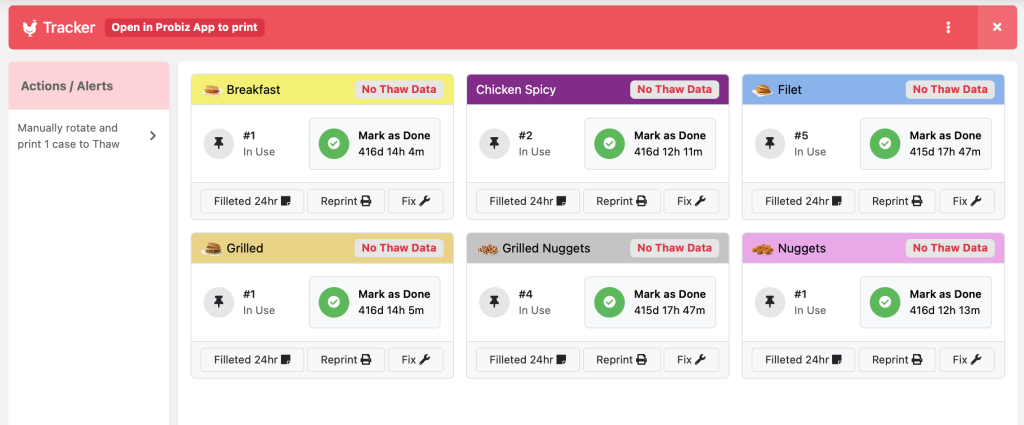
The Chicken Tracking Moduleuses an iOS app to log and track chicken by time and temperature, automating inventory rotation and significantly reducing the risk of foodborne illness.
How it works: Chicken is checked in with the IOS app by taking a picture of the case barcode which begins the tracking process. Labels print and are placed on the cases and trays. The breader taps done for a chicken type and tracker tells the team which chicken to move based on age and volume.
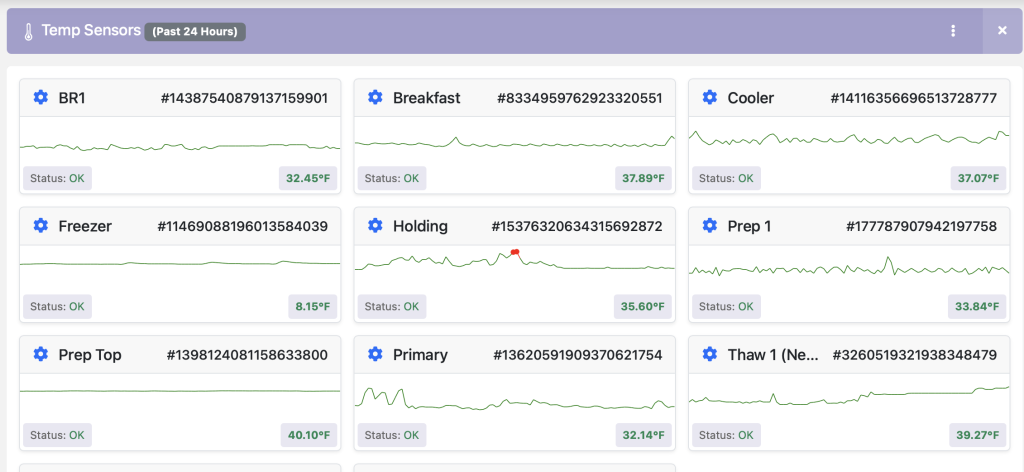
The Temp Sensorsproactively monitors freezer and cabinet temperatures, ensuring food safety, reliability, and efficiency.
How it works: If a cabinet’s temperature goes outside the set range, your team receives an instant alert via our messaging app or a phone call. The dashboard allows the team to identify the alert type, review alert quantities, and track trends. Our sensors are 100% waterproof and boast a 3-year battery life. For smaller units, optional door sensors alert the team when doors are left open too long.
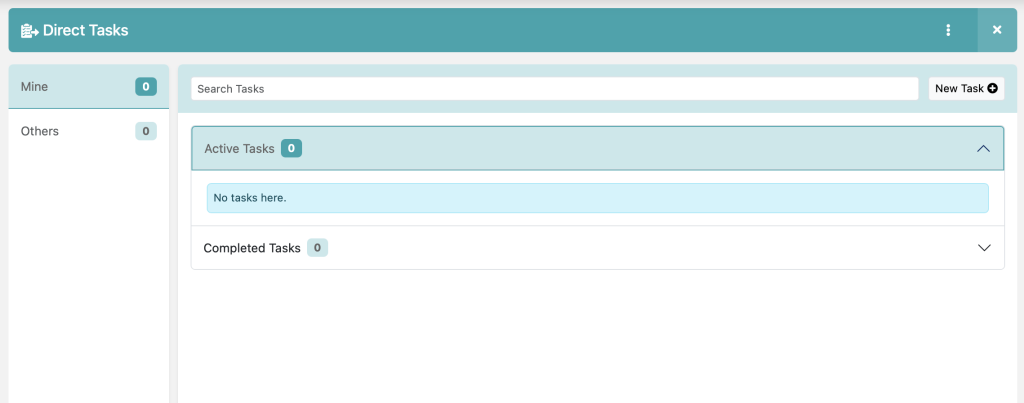
The Direct Task Moduleallows managers to instantly assign a single task to multiple people directly from the mobile app. With immediate notifications and automatic status tracking, managers have full visibility and never have to guess whether a task was completed. It’s the perfect solution for urgent, on-the-fly assignments.
How it works: An Admin assigns a task to one or more individuals from the Direct Tasks screen at which time the individuals get notified via messaging that a task has been assigned to them. As the task is completed the Admin gets notified the task has been completed
The Food Labeling Modulesaves time and money while boosting team accountability through clear data on each label. Users simply tap the label type, enter their PIN, and the required data, along with user information, prints instantly.
How it works: The Food Prep user taps the icon, chooses the qty and the labels print with their name on them.

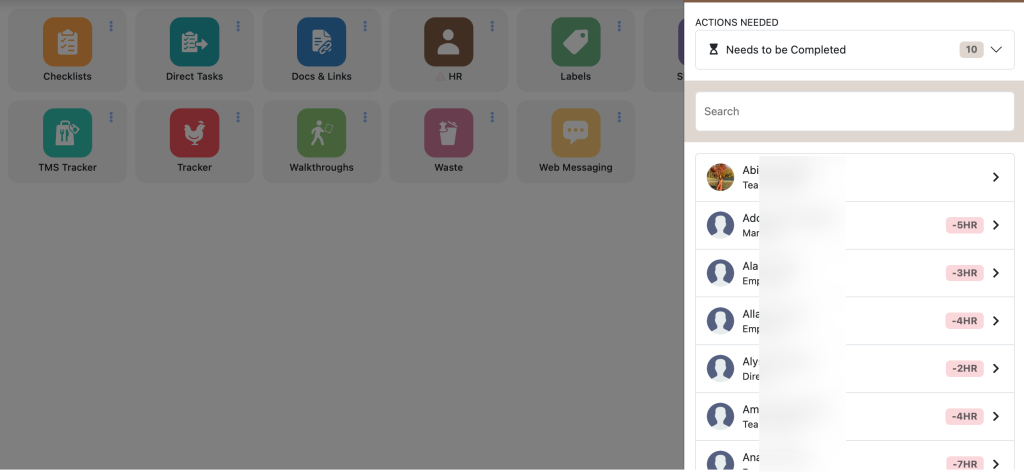
The HR Modulestreamlines employee management with a centralized dashboard for performance tracking, feedback, and documentation. Managers can easily start and complete employee evaluations, while an optional rewards system incentivizes achievement. All data is stored for compliance and coaching.
How it works: The Admin taps the users name to document them to the evaluate the user. The data is documented and creates a log file for the user and anything associated with that users name. This can be printed at any time.
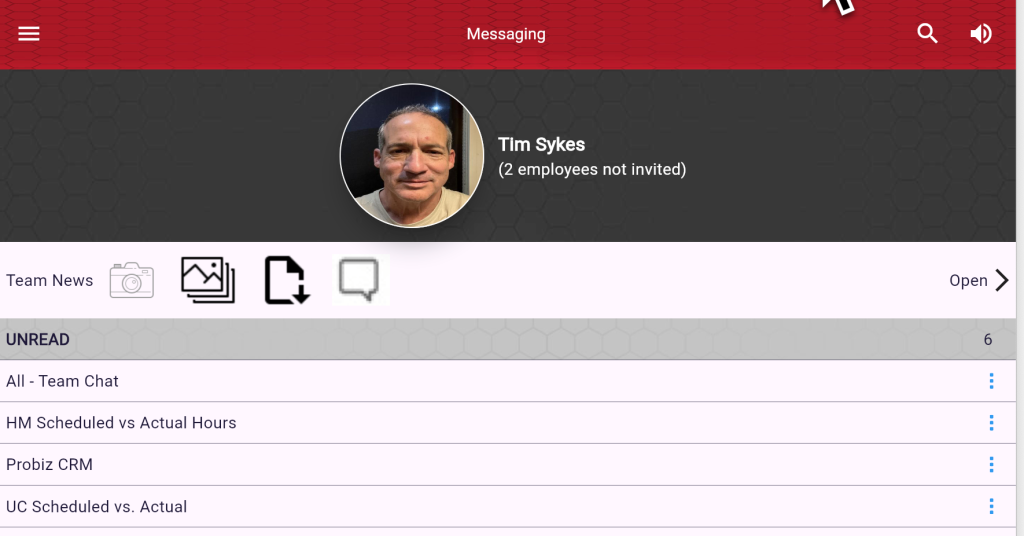
TheMessaging Moduleis your central communication hub. Send messages to all employees or custom groups, schedule messages for later, and automatically track all notifications for a clear accountability ledger. The Probiz app keeps managers and team members instantly connected.
How it works: Employee groups are created from your payroll system and messaging works just like phone messaging but with special features like app notifications and the ability to text everyone in your company at once.
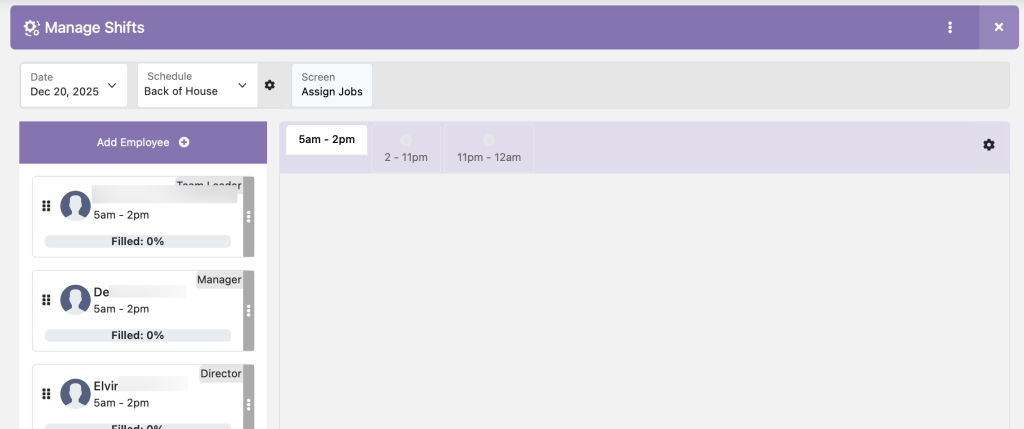
The Shift Setup Moduleis an efficient scheduling system with a built-in Shift Manager. It integrates seamlessly with Probiz messaging, Hot Schedules, and HR. Create and send schedules to your team, assign shifts, or import existing schedules. COMING SOON!
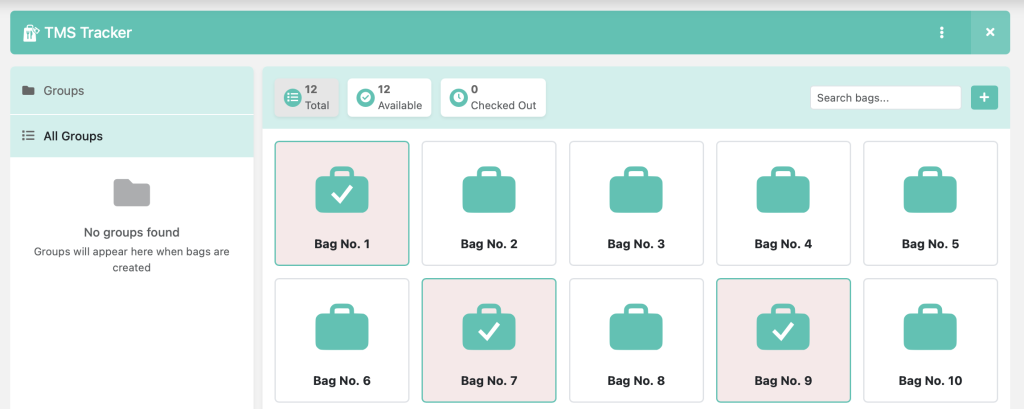
The TMS Bag Trackermakes sure delivery drivers return their bags. They check bags out with a tap, and the system tracks them. If a bag is missing after a certain time, the system sends an alert to remind them.
How it works: An employee checks out the bags they are using for a food delivery and when they return, they simply tap one of the bags they check out to return the bags. The bags must be returned within 12 hours or a notification is sent to the team that the bags have not been returned.
The Walkthrough Module allows you to create custom checklists for your store, including automated food temperature logging with a Bluetooth probe. All data is recorded on a dashboard, helping managers easily track compliance.
How it works: A user creates a store walkthrough and begins checking off items, list or temperature checks as they walk through the store.

The Waste Trackerensures transparency and accountability by tracking food waste. Employees simply tap the quantity of wasted items on a custom report, and the system instantly records costs and pushes totals to the team. A dashboard provides managers with key waste trends.
How it Works: An employee taps a waste report to begin logging waste and a notification is sent to messaging that tells the team the report results.
